ENTERPRISE UI DEVELOPMENT
Complex interfaces made clearer to operate.
Design and build information-rich interfaces for operational software, dashboards and internal products where speed, consistency and clarity matter every day.
DESIGNED FOR REPEAT USE
Business software should get faster to use as people learn it.
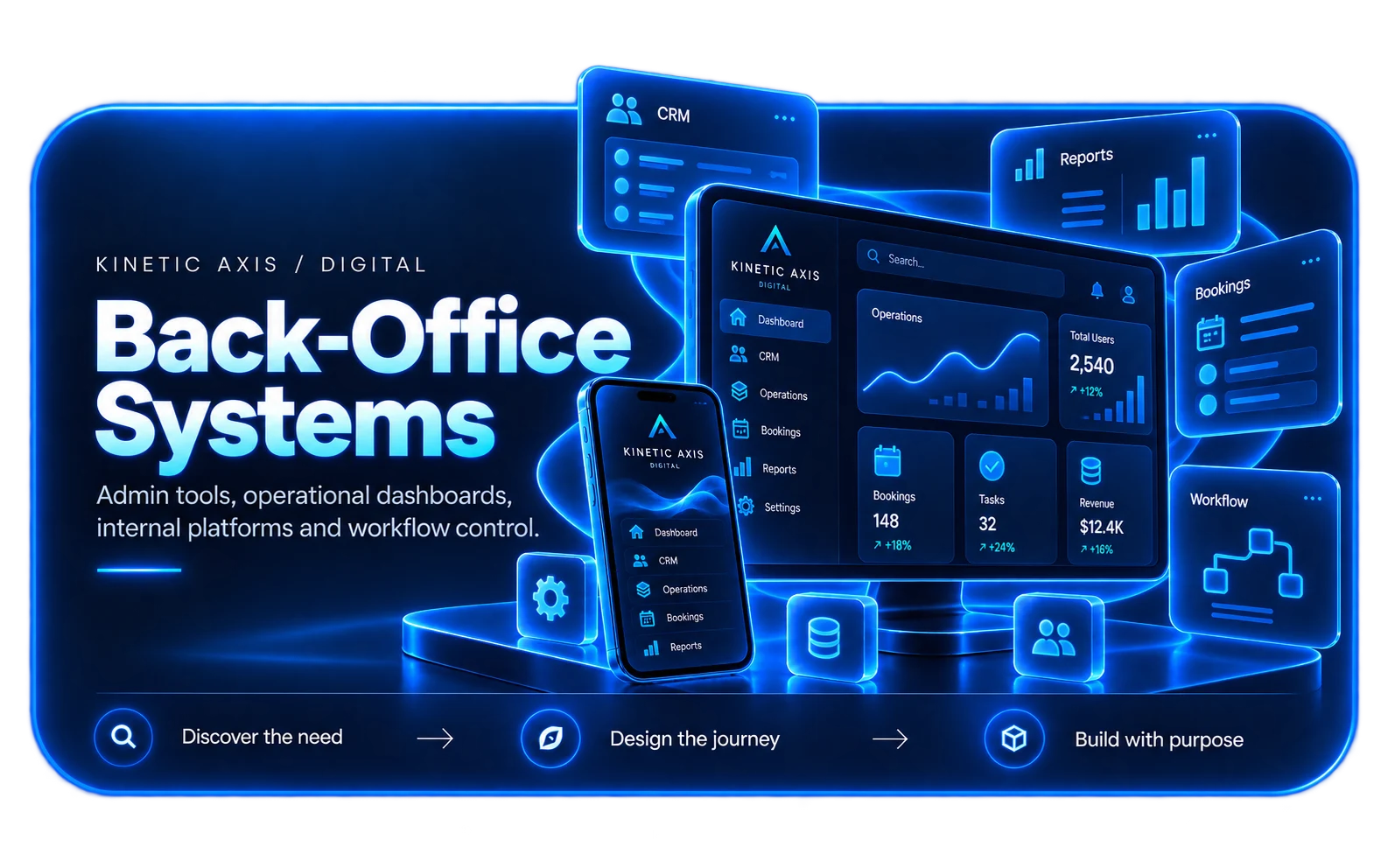
Enterprise and internal interfaces often carry more information and more actions than customer-facing websites. The challenge is not to make them visually empty; it is to make complexity understandable.
We organise hierarchy, state, permissions and repeated workflows so experienced users can move quickly while new users still understand what the interface is asking them to do.
How we design and buildENTERPRISE UI CAPABILITIES
Design the interface around decisions and frequency.
Operational interfaces benefit from strong patterns, clear states and deliberate information density.
Workflow-led layouts
Structure screens around the actions people repeat, the exceptions they handle and the information they need together.
Tables & data views
Design sorting, filtering, status and actions around how teams inspect and act on operational data.
Forms & validation
Make complex input predictable with consistent labels, states, grouping and error handling.
Role-aware interfaces
Expose the right controls and information for different responsibilities without creating separate products for every user type.
COMMON ENTERPRISE UI NEEDS
Clarity matters most where the product is used all day.
These interfaces often sit at the centre of operational work rather than being occasional customer journeys.
Operations platforms
Daily tools for managing customers, orders, bookings, cases or other changing business state.
Admin dashboards
High-level monitoring with drill-down actions and practical operational controls.
CRM-style interfaces
Information-dense account and relationship views where context needs to remain visible.
Internal workflow tools
Task-driven interfaces that replace fragmented spreadsheets, email and repeated manual hand-offs.
HOW WE APPROACH IT
Make the workflow clear before the software gets complicated.
We start with users, operations and outcomes, then design the smallest coherent system that can grow with the business.
Understand the workflow
Map users, decisions, data, hand-offs and exceptions before deciding what the software should look like.
Define the product shape
Separate the core outcome from useful extras so the first release is coherent rather than over-scoped.
Design and integrate
Build the interface, data model and integrations together so the product behaves as one system.
Release and evolve
Use real operation and customer feedback to decide what should be improved, automated or expanded next.
RELEVANT WORK
Experience behind the recommendation.
Selected work showing the same kind of product, workflow or platform thinking in practice.
RELATED EXPERTISE
Connected problems usually need connected thinking.
These related capabilities often sit alongside the work on this page.
EXPLORE
Admin dashboard development
Focused operational dashboards, actions and reporting interfaces.
View capability EXPLOREDesign system development
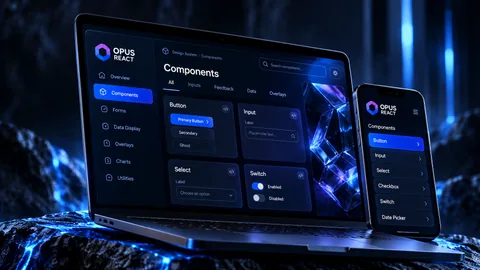
Create the reusable rules that keep enterprise interfaces coherent as they grow.
View capability EXPLOREInternal business systems
Build the wider workflow and data platform behind the interface.
View capabilityCOMMON QUESTIONS
Useful things to know.
What makes enterprise UI different from a marketing website?
Enterprise interfaces are usually used repeatedly to complete operational tasks, so information density, state, speed and predictable interaction matter more than promotional storytelling.
Can you improve an existing interface without replacing the backend?
Often, yes. We can redesign the interface around existing APIs or application boundaries where the underlying systems are still viable.
How do you handle complex permissions?
We map roles and responsibilities early so navigation, data visibility and actions reflect what each user is actually allowed and expected to do.
Can the interface share a design system with other products?
Yes. Shared foundations and components are particularly useful when several internal or customer-facing products should feel related.
Who will I work with?
Kinetic Axis projects are senior-led. Discovery, product decisions and engineering direction stay close to the people doing the work, with direct communication throughout the project.
What happens after launch?
The post-launch model is agreed around the product. Handover, hosting responsibilities, documentation, monitoring, support and further development can be planned before release so there is a clear next step.
WORKING WITH KINETIC AXIS
Senior thinking stays close to the work.
Good delivery is not just the build. It is making the important decisions visible, agreeing responsibilities early and keeping the product useful after launch.
Direct technical and product input
Discovery, design and engineering decisions stay close to the people doing the work rather than passing through layers of account management.
Clarity before commitment
We work through users, workflows, integrations and risk before turning a broad idea into a technical commitment.
Responsibilities agreed up front
Handover, hosting, support, documentation and ongoing development are discussed as part of the project rather than left until launch week.
Useful after launch day
Decisions are made with maintainability, real users and future change in mind — not just how the first release looks in a presentation.
START A CONVERSATION
Have an operational interface that has become harder to use than the work itself?
Share the journeys, screens or design-system problems you want to improve and we can work through the right next step.