ADMIN DASHBOARD DEVELOPMENT
Dashboards that help teams understand and act.
Custom admin dashboards and back-office interfaces for managing customers, content, operations, data and exceptions — without burying important work under generic UI.
OPERATIONAL UI
A dashboard is useful when it makes the next decision easier.
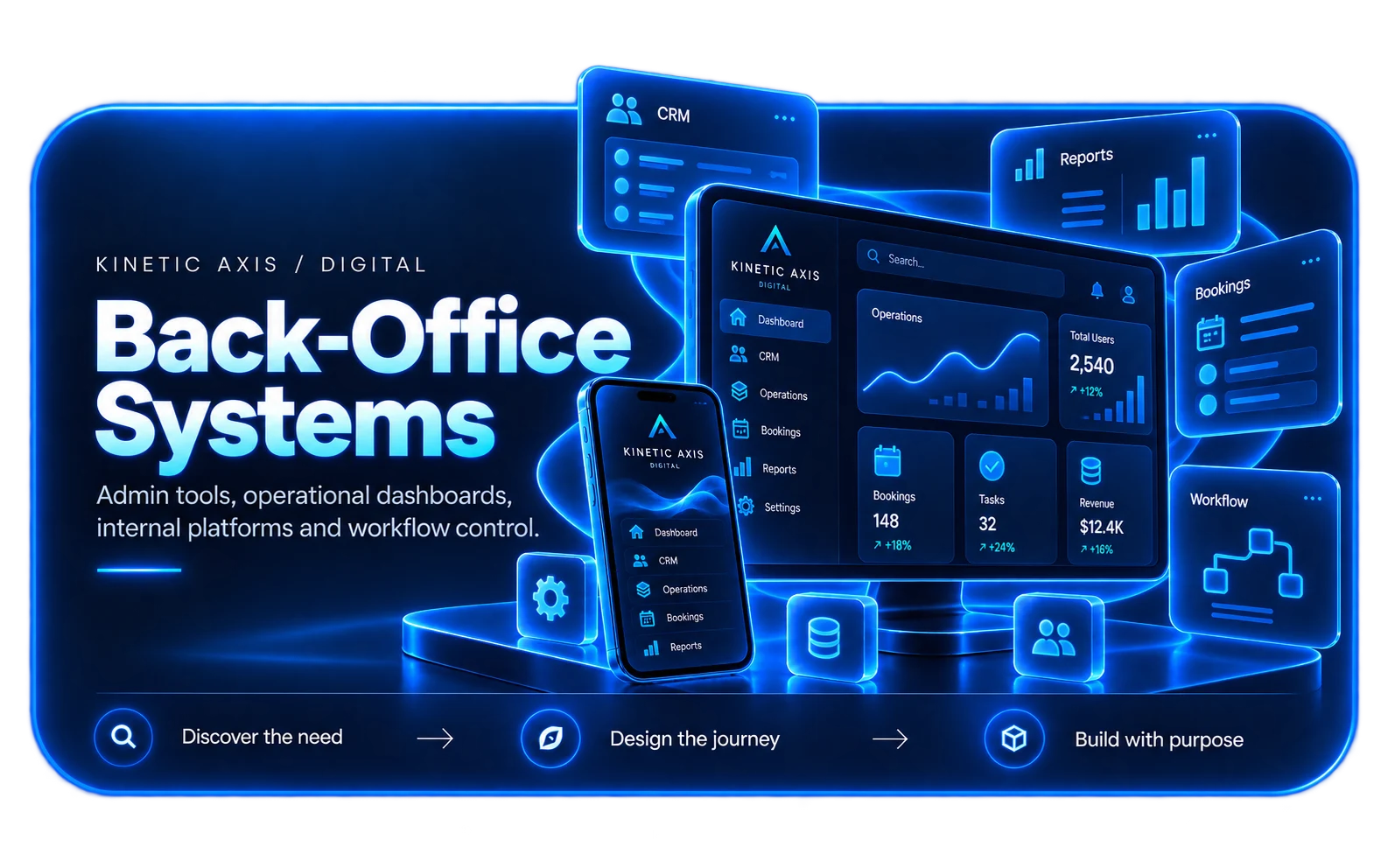
Back-office products often carry more complexity than the customer-facing experience. Teams need dense information, reliable controls, permissions and quick ways to find the exceptions that matter.
We design admin tools around tasks rather than around database tables. That means understanding what different users are trying to achieve, what information they need at that moment and how the interface can reduce repeated navigation and manual checking.
How we design and buildDASHBOARD CAPABILITIES
Practical interfaces for operational work.
Good admin software balances information density with clear hierarchy and safe actions.
Operational views
Prioritised lists, queues and dashboards that make workload, status and exceptions visible.
Data management
Structured create, edit, review and approval workflows with validation around important business data.
Roles & permissions
Different interfaces and actions for teams, managers or administrators based on responsibility.
Reporting & insight
Useful summaries and drill-down views that connect headline metrics to the underlying operational detail.
COMMON PROBLEMS
When the back office has become the bottleneck.
The best dashboard projects usually start with teams spending too much time finding information or coordinating work.
Too many separate tools
Staff switch between systems to understand one customer, order, booking or operational case.
Important exceptions are hidden
Teams can see lots of data but cannot quickly identify what is overdue, blocked or unusual.
Admin actions are risky
Generic interfaces expose powerful changes without enough context, validation or role control.
Reporting is disconnected
Managers receive exports and spreadsheets instead of being able to move from a metric into the work behind it.
HOW WE APPROACH IT
Make the workflow clear before the software gets complicated.
We start with users, operations and outcomes, then design the smallest coherent system that can grow with the business.
Observe the work
Understand high-frequency tasks, edge cases, terminology and where users currently lose time.
Design the information model
Group screens around decisions and workflows rather than mirroring the underlying database structure.
Prototype dense interfaces
Test hierarchy, tables, forms, filters and actions with realistic data before implementation hardens the design.
Build reusable patterns
Use consistent components and interaction rules so the dashboard remains coherent as more operational features are added.
RELEVANT WORK
Experience behind the recommendation.
Selected work showing the same kind of product, workflow or platform thinking in practice.

RELATED EXPERTISE
Connected problems usually need connected thinking.
These related capabilities often sit alongside the work on this page.
EXPLORE
Platforms & back-office systems
Explore the wider service for operational platforms and internal tools.
View capability EXPLOREBusiness software development
Create a broader system around workflows, roles and business data.
View capability EXPLOREUI/UX & design systems
Build reusable interface patterns for complex, data-heavy products.
View capabilityCOMMON QUESTIONS
Useful things to know.
What is the difference between a dashboard and a back-office system?
A dashboard usually focuses on visibility and action around key information. A back-office system can include wider operational workflows, data management, permissions and process logic. Many real products combine both.
Can you redesign an existing admin interface?
Yes. We can improve hierarchy, workflows and reusable UI patterns without necessarily replacing the underlying platform.
Can dashboards support different roles?
Yes. Permissions and role-specific views are often essential so users see the information and actions relevant to their responsibilities.
Do you build data visualisations as well as forms and tables?
Yes. The interface can combine charts, summaries, filters, tables and detail views where each format helps the user understand or act on the data.
Who will I work with?
Kinetic Axis projects are senior-led. Discovery, product decisions and engineering direction stay close to the people doing the work, with direct communication throughout the project.
What happens after launch?
The post-launch model is agreed around the product. Handover, hosting responsibilities, documentation, monitoring, support and further development can be planned before release so there is a clear next step.
WORKING WITH KINETIC AXIS
Senior thinking stays close to the work.
Good delivery is not just the build. It is making the important decisions visible, agreeing responsibilities early and keeping the product useful after launch.
Direct technical and product input
Discovery, design and engineering decisions stay close to the people doing the work rather than passing through layers of account management.
Clarity before commitment
We work through users, workflows, integrations and risk before turning a broad idea into a technical commitment.
Responsibilities agreed up front
Handover, hosting, support, documentation and ongoing development are discussed as part of the project rather than left until launch week.
Useful after launch day
Decisions are made with maintainability, real users and future change in mind — not just how the first release looks in a presentation.
START A CONVERSATION
Make the operational interface work as hard as the team using it.
Share the users, permissions, data and day-to-day tasks. We can help shape the right internal product.