
WORKFLOW AUTOMATION SOFTWARE
Automate the repetition. Keep people in control.
Workflow software that removes repeated admin, makes hand-offs visible and connects the systems involved in getting work from request to completion.
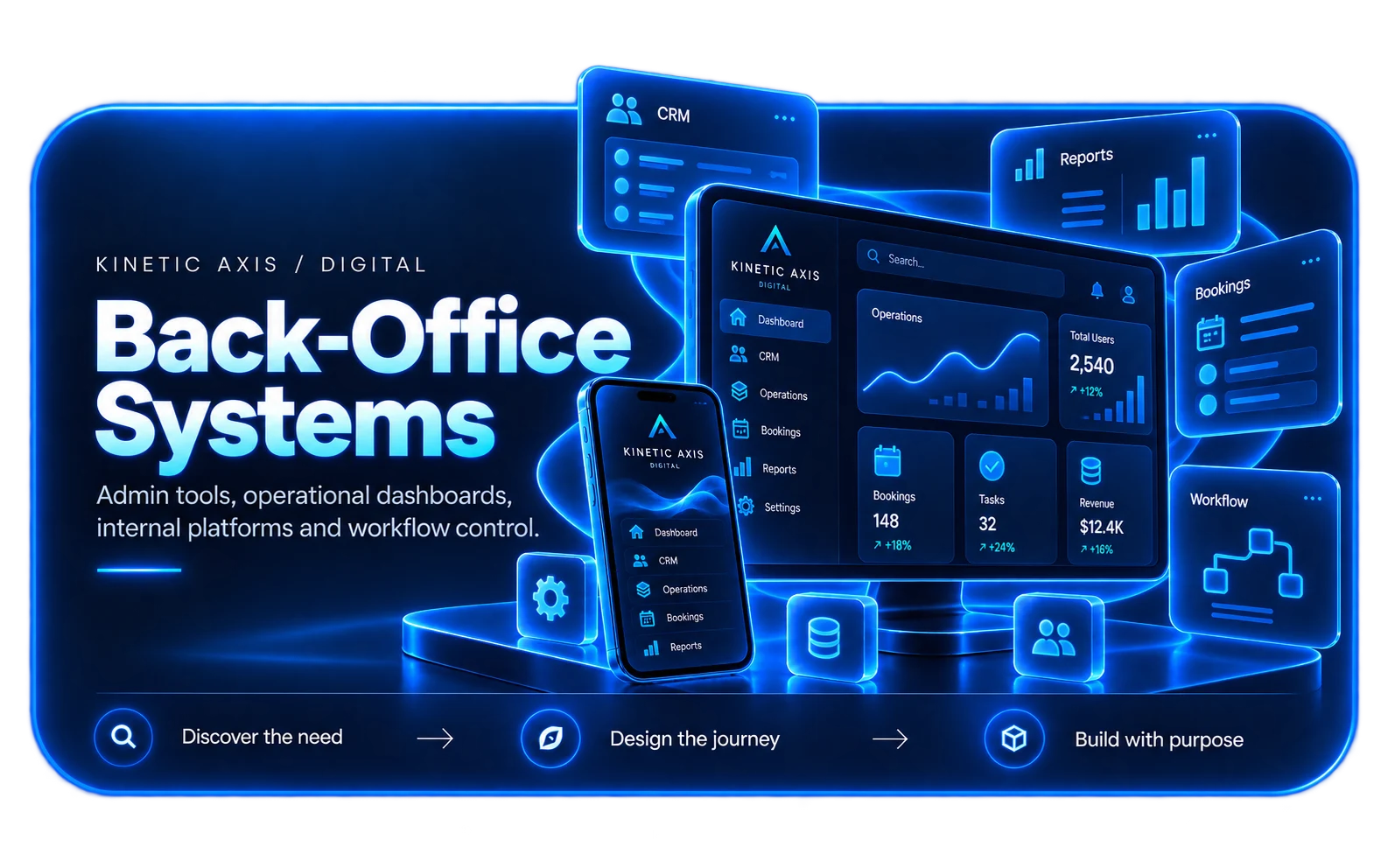
AUTOMATE THE RIGHT WORK
Good automation removes avoidable effort without hiding the process.
The goal is not to automate every human decision. It is to identify repeatable steps, rules and hand-offs that consume time without adding judgement, then make those parts reliable and visible.
A useful workflow product gives people context when their input is needed, moves routine data between systems automatically and keeps a clear record of what happened. That can reduce admin while making the process easier to manage.
How we design and buildAUTOMATION CAPABILITIES
From triggers to tracked outcomes.
Workflow software can sit inside a wider platform or connect existing systems that already perform specialised jobs.
Rules & routing
Move work to the right person or next step based on status, ownership, thresholds or business rules.
Approvals & exceptions
Keep human review where judgement matters and make unusual cases visible instead of hiding them inside automation.
Notifications & reminders
Prompt people when action is required and reduce manual chasing around deadlines or missing information.
System integration
Use APIs and webhooks to move data between existing tools so automation does not create another isolated system.
AUTOMATION OPPORTUNITIES
Look for repetition, waiting and re-keying.
The biggest gains often come from ordinary processes that happen frequently and cross several people or systems.
Repeated data entry
The same customer, order or case information is copied between tools because systems are not connected.
Manual approvals
Requests wait in inboxes because ownership, status and escalation rules are difficult to see.
Status chasing
Teams spend time asking what has happened rather than having one reliable view of process state.
Recurring admin
Staff repeat predictable checks, reminders or document steps that can be handled consistently by software.
HOW WE APPROACH IT
Make the workflow clear before the software gets complicated.
We start with users, operations and outcomes, then design the smallest coherent system that can grow with the business.
Observe the current process
Map the real workflow, including informal workarounds and exceptions that process diagrams often miss.
Separate rules from judgement
Automate deterministic steps while keeping people involved where context or accountability matters.
Connect existing systems
Prefer integration over duplicate data where trusted systems already own part of the process.
Measure the outcome
Track cycle time, exceptions and manual intervention so later improvements are based on evidence.
RELEVANT WORK
Experience behind the recommendation.
Selected work showing the same kind of product, workflow or platform thinking in practice.

RELATED EXPERTISE
Connected problems usually need connected thinking.
These related capabilities often sit alongside the work on this page.
EXPLORE
Business software development
Build the operational platform around the wider process.
View capability EXPLOREAPI & systems integration
Connect the systems that need to exchange data or trigger work.
View capability EXPLOREAdmin dashboard development
Give teams visibility over queues, exceptions and workflow state.
View capabilityCOMMON QUESTIONS
Useful things to know.
What kinds of workflows can be automated?
Processes with repeatable triggers, rules, approvals, notifications or data movement are often good candidates. We look carefully at exceptions before deciding what should be automated.
Do we need to replace our existing tools?
Not necessarily. Automation can often connect the systems you already use through APIs and add a workflow layer around them.
Can people still intervene in an automated process?
Yes. Human review, override and exception handling are important design considerations, especially where a decision carries commercial or operational risk.
How do we decide what to automate first?
Start with high-frequency work that consumes measurable time, causes repeated errors or creates delays because ownership and status are unclear.
Who will I work with?
Kinetic Axis projects are senior-led. Discovery, product decisions and engineering direction stay close to the people doing the work, with direct communication throughout the project.
What happens after launch?
The post-launch model is agreed around the product. Handover, hosting responsibilities, documentation, monitoring, support and further development can be planned before release so there is a clear next step.
WORKING WITH KINETIC AXIS
Senior thinking stays close to the work.
Good delivery is not just the build. It is making the important decisions visible, agreeing responsibilities early and keeping the product useful after launch.
Direct technical and product input
Discovery, design and engineering decisions stay close to the people doing the work rather than passing through layers of account management.
Clarity before commitment
We work through users, workflows, integrations and risk before turning a broad idea into a technical commitment.
Responsibilities agreed up front
Handover, hosting, support, documentation and ongoing development are discussed as part of the project rather than left until launch week.
Useful after launch day
Decisions are made with maintainability, real users and future change in mind — not just how the first release looks in a presentation.
START A CONVERSATION
Which repeated process should your team stop doing by hand?
Tell us what people need to do, where the friction is today and what a better result would look like.