CUSTOMER PORTAL DEVELOPMENT
A secure customer space that actually reduces friction.
Customer portals for accounts, bookings, documents, services and ongoing relationships — designed to make self-service clearer for customers and lighter for internal teams.
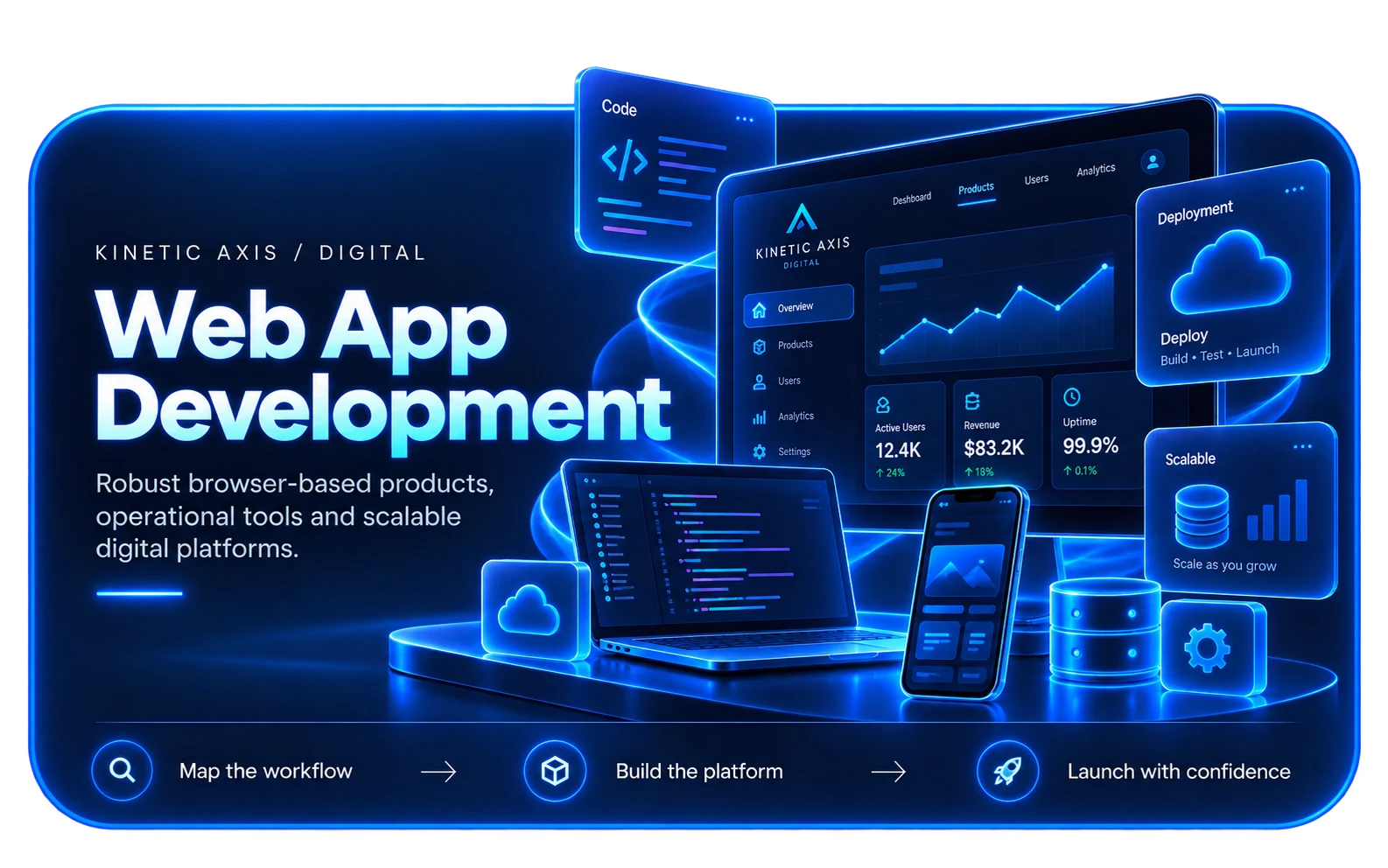
SELF-SERVICE WITH PURPOSE
A portal should remove effort from both sides of the relationship.
A useful customer portal is not a dumping ground for account information. It gives people a clear route to the tasks they return for: checking status, updating details, managing bookings, accessing documents, reviewing activity or taking the next action.
We design the portal around those tasks and connect it to the systems that hold the underlying data. That can improve the customer experience while reducing avoidable calls, emails and manual administration.
How we design and buildPORTAL CAPABILITIES
Secure access to the things customers need most.
The feature set should be driven by repeat customer tasks and the data already available across the business.
Accounts & identity
Secure sign-in, account details, permissions and authentication flows appropriate to the sensitivity of the service.
Self-service journeys
Bookings, requests, updates, renewals or other repeat tasks presented as clear guided workflows.
Documents & status
Give customers access to relevant documents, history, progress and next steps without relying on email chains.
Connected data
Integrate the portal with operational systems so customers see accurate information without creating duplicate admin.
WHEN A PORTAL HELPS
Good portals solve repeat communication problems.
If customers regularly ask for information your team already holds, a well-designed portal can turn that demand into a better digital service.
Account management
Customers need a consistent place to view and maintain their details, preferences or organisation information.
Booking & service management
People need to review, change or follow up on bookings, appointments, orders or service requests.
Progress visibility
Customers want to know what is happening next without chasing internal teams for status updates.
Document access
Important documents, statements, certificates or files need to be available securely and consistently.
HOW WE APPROACH IT
Make the workflow clear before the software gets complicated.
We start with users, operations and outcomes, then design the smallest coherent system that can grow with the business.
Identify repeat tasks
Use support demand, customer journeys and operational knowledge to find the actions worth moving into self-service.
Map systems & data
Understand where the source information lives and which systems need to participate in each portal journey.
Design for trust
Make identity, permissions, status and error states understandable so customers know what they can do and what happens next.
Release around value
Start with the journeys that remove the most friction, then expand the portal as real usage reveals the next priorities.
RELEVANT WORK
Experience behind the recommendation.
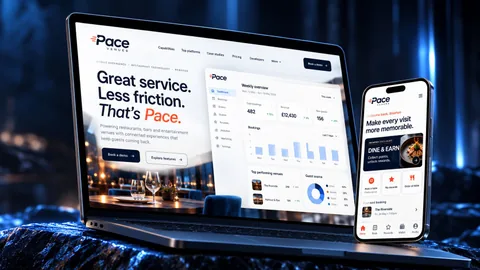
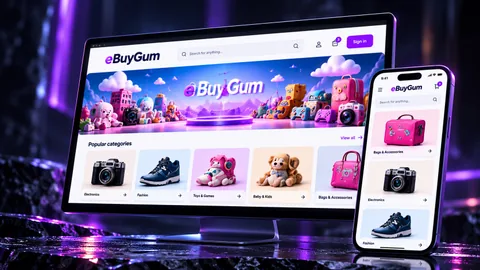
Selected work showing the same kind of product, workflow or platform thinking in practice.
RELATED EXPERTISE
Connected problems usually need connected thinking.
These related capabilities often sit alongside the work on this page.
EXPLORE
Web application development
Build the browser-based application and product architecture behind the portal.
View capability EXPLOREBooking system development
Connect customer self-service with availability and operational booking rules.
View capability EXPLOREAPI & systems integration
Bring account, service and operational data into one coherent customer experience.
View capabilityCOMMON QUESTIONS
Useful things to know.
What can a customer portal include?
Common capabilities include secure accounts, bookings, requests, documents, status tracking, payment or subscription information and profile management. The right set depends on what customers repeatedly need to do.
Can a portal connect to our CRM or existing systems?
Yes, where those systems provide suitable integration options. In many projects the portal is most valuable when it presents information from several existing systems through one clear experience.
Do customer portals need a mobile app?
Not necessarily. A responsive web portal can work very well across desktop and mobile browsers. A native app becomes useful when the product needs mobile-specific capabilities or a stronger recurring app experience.
Can you design the internal tools too?
Yes. Customer self-service often creates internal follow-up tasks, so we can design the staff-facing workflow and customer-facing portal as one connected service.
Who will I work with?
Kinetic Axis projects are senior-led. Discovery, product decisions and engineering direction stay close to the people doing the work, with direct communication throughout the project.
What happens after launch?
The post-launch model is agreed around the product. Handover, hosting responsibilities, documentation, monitoring, support and further development can be planned before release so there is a clear next step.
WORKING WITH KINETIC AXIS
Senior thinking stays close to the work.
Good delivery is not just the build. It is making the important decisions visible, agreeing responsibilities early and keeping the product useful after launch.
Direct technical and product input
Discovery, design and engineering decisions stay close to the people doing the work rather than passing through layers of account management.
Clarity before commitment
We work through users, workflows, integrations and risk before turning a broad idea into a technical commitment.
Responsibilities agreed up front
Handover, hosting, support, documentation and ongoing development are discussed as part of the project rather than left until launch week.
Useful after launch day
Decisions are made with maintainability, real users and future change in mind — not just how the first release looks in a presentation.
START A CONVERSATION
Give customers a clearer way to get things done.
Tell us what people need to do, where the friction is today and what a better result would look like.