
EXCEL / DATA MIGRATION
Excel to database without losing the work.
Move a workbook that has become a business system into a proper database-backed application — normalised data, controlled access, reliable reporting and a migration that reconciles rather than guesses.
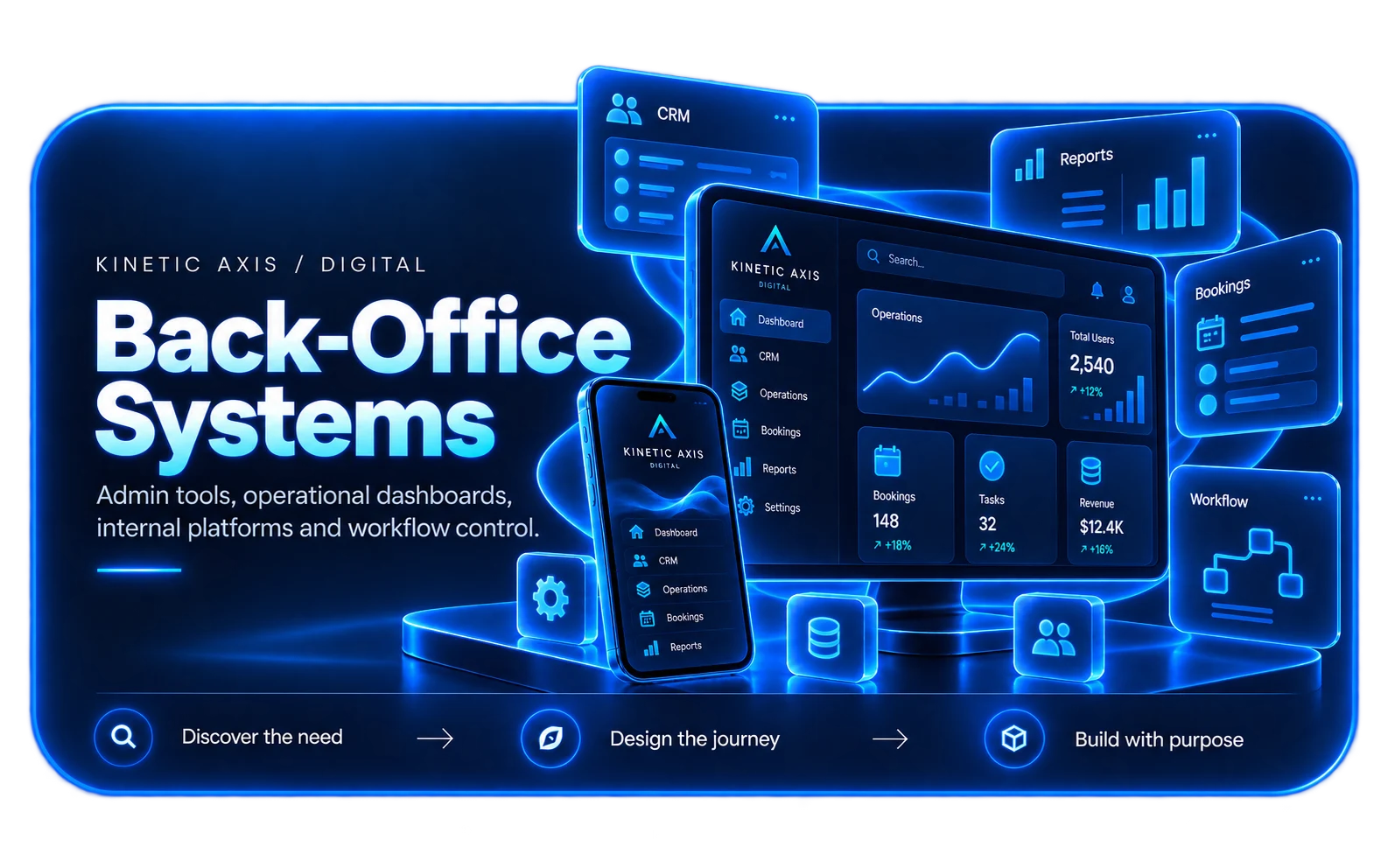
A WORKBOOK IS NOT A DATABASE
Excel is excellent at analysis. It is a poor place for the only copy of operational data.
Most spreadsheet problems are not caused by Excel. They appear when a workbook becomes the place where several people record, change and report on the same operational data. Version conflicts, overwritten formulas and manual reconciliation are symptoms of using a file for a job it was never designed to do.
A database-backed application separates the data from the interface and the rules. Records are stored once, access is controlled, calculations are consistent and reporting no longer depends on whoever last saved the file. The useful route is rarely a wholesale rebuild; it is identifying the data that needs a system and migrating it with evidence that nothing was lost.
How we design and buildWHAT THE MOVE INVOLVES
The work is mostly data modelling and reconciliation, not screen design.
A reliable migration starts with the workbook's logic, not its layout.
Data model & normalisation
Turn repeated columns and sheets into entities and relationships, removing duplicate records and ambiguous fields before they reach the new system.
Migration & reconciliation
Import the existing data with validation, counts and checks that prove the new database agrees with the workbook before it is retired.
Forms, validation & permissions
Give each role the screen and access it needs, with rules enforced in one place rather than through protected cells and convention.
Reporting & integrations
Keep the reports the business relies on, connect finance and operational systems, and leave analysis tools free to query clean data.
SIGNS THE WORKBOOK HAS BECOME A SYSTEM
When the spreadsheet is no longer a spreadsheet. It is the operation.
These are the patterns where a database-backed application usually earns its cost.
Several people edit the same file
Copies multiply, changes are overwritten and nobody can say which version is the real record.
Formulas carry business rules
Critical calculations live in cells that can be edited, copied incorrectly or broken by a new row.
Reporting is rebuilt every month
The same manual filters, pivots and copy-paste steps are repeated because the data has no stable shape.
Access and history are unclear
There is no reliable record of who changed what, and sensitive rows are protected by hiding sheets rather than permissions.
HOW WE APPROACH IT
Make the workflow clear before the software gets complicated.
We start with users, operations and outcomes, then design the smallest coherent system that can grow with the business.
Inventory the workbook
Map sheets, formulas, macros, named ranges, external links and the manual steps that happen outside the file.
Define the data model
Agree the entities, relationships and ownership rules, resolving duplicates and inconsistent fields before migration.
Migrate and reconcile
Import in stages, compare counts and totals against the source, and keep a documented route back while confidence is built.
Move the workflow
Build the forms, permissions and reports around the real roles, then retire the workbook deliberately rather than leaving two sources of truth.
RELEVANT WORK
Experience behind the recommendation.
Selected work showing the same kind of product, workflow or platform thinking in practice.

RELATED EXPERTISE
Connected problems usually need connected thinking.
These related capabilities often sit alongside the work on this page.
EXPLORE
Replace spreadsheet workflows
The wider decision: when a spreadsheet process should become software.
View capability EXPLOREReplace Microsoft Access
A staged route from an ageing desktop database into a maintainable web application.
View capability EXPLOREInternal business systems
Operational tools for roles, approvals, records and reporting.
View capability EXPLOREAPI & systems integration
Connect the new database to finance, CRM and operational systems.
View capabilityCOMMON QUESTIONS
Useful things to know.
Is this just Microsoft Access with a different name?
No. Access is a desktop database application with its own deployment and maintenance constraints. This is usually a web application backed by a managed database, accessible to the right people without installing a client, and able to integrate with other systems.
Do we have to stop using Excel completely?
No. Excel remains useful for analysis, modelling and one-off work. The aim is to stop using one workbook as the operational source of truth. The new system can export clean data for analysis, or a reporting tool can query it directly.
What happens to our existing formulas and macros?
They are treated as business rules. Some are straightforward calculations that move into the database or application; others are workarounds for the workbook's limitations and should be simplified. The migration documents which rules were carried forward and which were deliberately changed.
How do you know the migration is correct?
The source data is profiled before import, then reconciled after it: record counts, key totals, duplicates and exception lists are compared. A controlled period running alongside the workbook is common before the old file is retired.
Can we keep importing spreadsheets from suppliers or sites?
Yes. A controlled import process can validate and stage incoming files before they become records, which is usually safer than staff copying rows into a master workbook.
Who will I work with?
Kinetic Axis projects are senior-led. Discovery, product decisions and engineering direction stay close to the people doing the work, with direct communication throughout the project.
What happens after launch?
The post-launch model is agreed around the product. Handover, hosting responsibilities, documentation, monitoring, support and further development can be planned before release so there is a clear next step.
WORKING WITH KINETIC AXIS
Senior thinking stays close to the work.
Good delivery is not just the build. It is making the important decisions visible, agreeing responsibilities early and keeping the product useful after launch.
Direct technical and product input
Discovery, design and engineering decisions stay close to the people doing the work rather than passing through layers of account management.
Clarity before commitment
We work through users, workflows, integrations and risk before turning a broad idea into a technical commitment.
Responsibilities agreed up front
Handover, hosting, support, documentation and ongoing development are discussed as part of the project rather than left until launch week.
Useful after launch day
Decisions are made with maintainability, real users and future change in mind — not just how the first release looks in a presentation.
START A CONVERSATION
Has a workbook become the only copy of something important?
Start with the process, the people using it and the friction in the current approach. We can turn that into a practical scope.